
Creating an auto-loader for the 6502 MIDI Controller
With the 6502 MIDI Controller’s revamp being a success, I’m starting to look for a permanent way to demo the project for anyone to play with. The project uses a KIM Clone Rev 5 (a single-board computer that gives you memory access to the KIM) and memory-maps its own I/O port using the KIM’s expansion slot. Code is uploaded to the KIM, which fills address slots starting from a memory block I specify, and the user can then run the program.
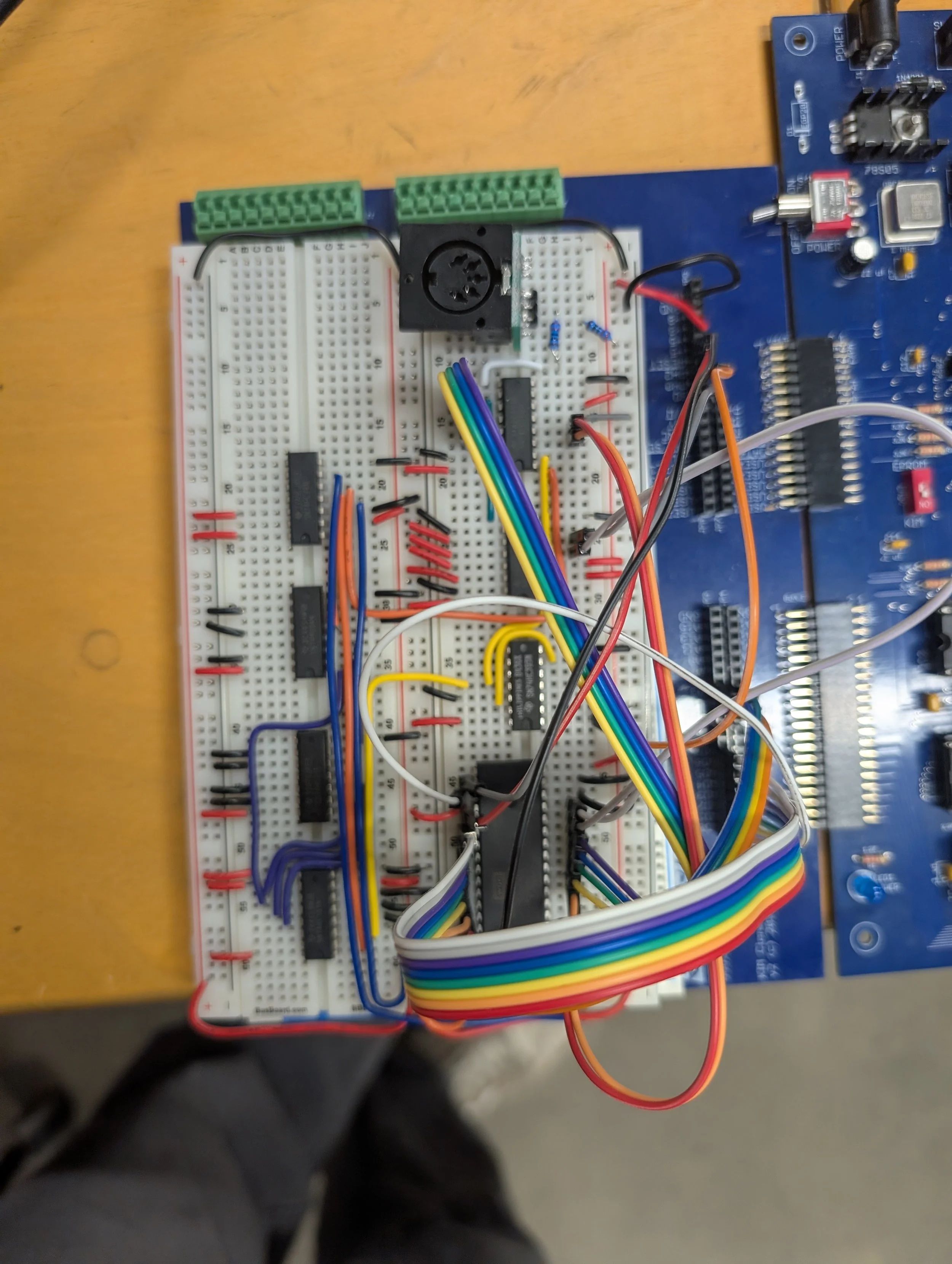
My KIM’s expansion card, which can act as a MIDI controller.
Right now I compile the code on my laptop, flip a switch on the KIM to put it into serial mode, transfer the hex code via the serial port on the top of the KIM, put it back into manual mode, navigate to the correct memory address, and then play. To make this process friendlier, I plan to include additional serial instructions to navigate the KIM to the correct memory address after flashing. This should make it easier for users while still helping them understand how the KIM works.
To make an easy way to flash the KIM, I plan to use a Raspberry Pi Pico, which can easily store the entire program in its flash storage and can use its UART drivers to send the right messages to the KIM.
One annoyance is that the KIM has no way to explicitly define its baud rate; instead it estimates baud through the signal length of an Enter key. The way this works is: the KIM first needs to be reset, then the Pico can send an initial Enter key as its first message, the KIM should respond with a status message, and the Pico can then ensure the KIM has understood the baud rate and upload the entire program. This handshake is tricky because the user must click Reset and follow some prompts to make sure the code gets flashed correctly, but it’s the only reliable way to flash code onto the KIM.
The final design I plan to implement is a breadboard with a red button for initializing the handshake, and then multiple buttons afterward for flashing different programs onto the KIM. I’ll also include status LEDs to notify the user if the handshake was handled properly and if the code has successfully loaded.