
Breaking out of my comfort zone: FreeCAD
For the longest time, any CAD software that wasn’t KiCAD scared me a little bit. The nature of the work seems a little too mechanical for me as an innocent little electrical engineer.
But for the boombox project at M5, I decided to learn a new thing. And it’s actually been pretty satisfying to learn once I got started!
For the uninitiated, M5 is planning to roll out a human-sized boombox that will feature two massive JBL speakers and a nineteen inch rack, mounted to a heavy-duty aluminum frame that will be driven by a 4 kW-capable drivetrain powered by the same batteries used in Porsche’s performance electric vehicles! The plan is to be able to remotely control the boombox from M5 to downtown Amherst and blast music for all the party animals to enjoy. With the drive setup in mind, you may even be able to control it while sitting on top of it!
Anyways, to get a good sense of what parts to buy that will support the hefty sixty pound JBL speakers and the unknown, but probably heavier than sixty pound nineteen inch rack, I needed to get familiar with CAD software to model everything.
In a week, I’ve taught myself enough to get comfortable enough with the workflow to show off the basic structure of the subframe of the almighty boombox.
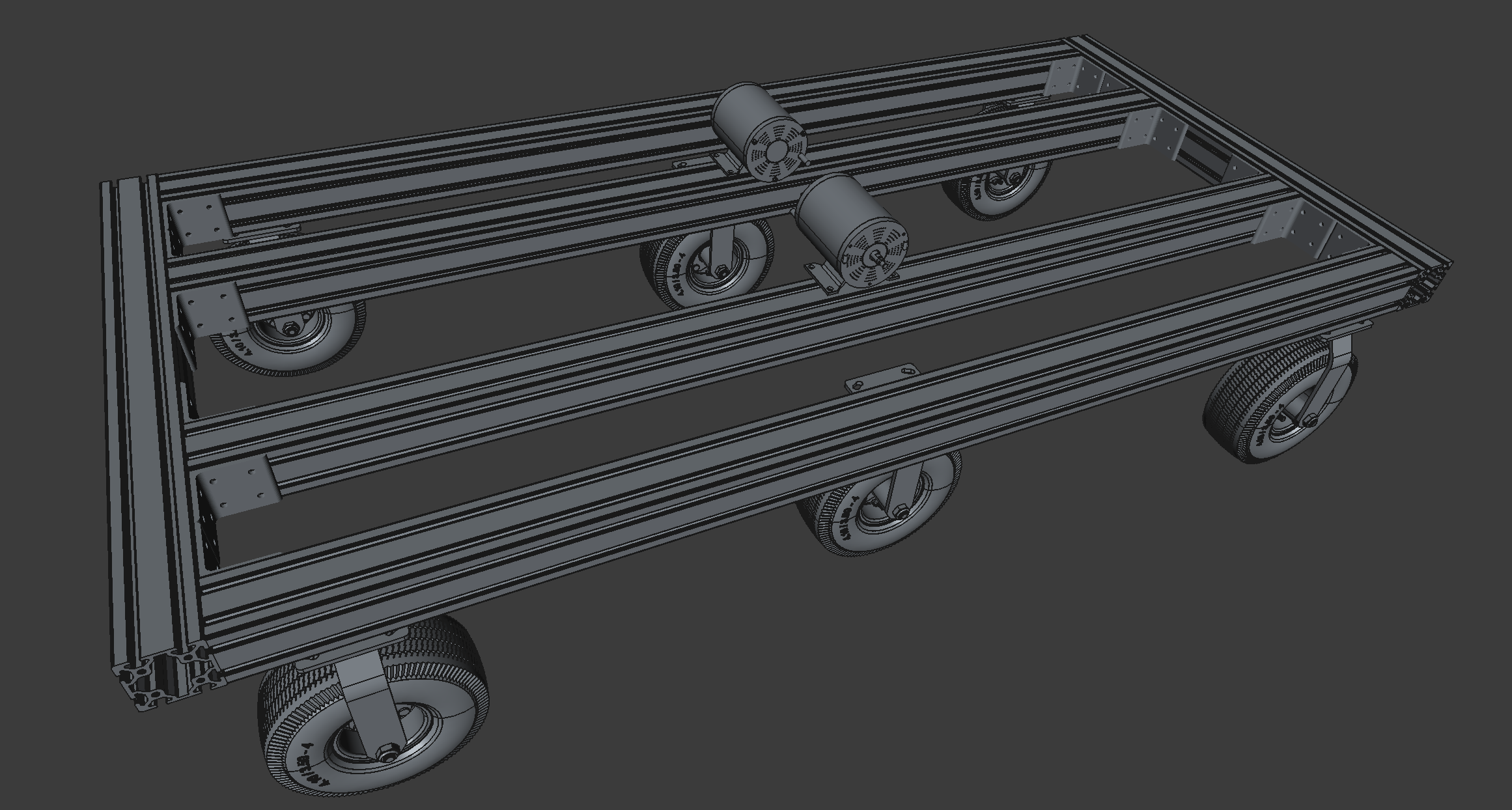
And the beauty of parametric modeling, is that I can just update the width of the subframe in the spreadsheet, and I can easily change the dimensions of the entire thing!
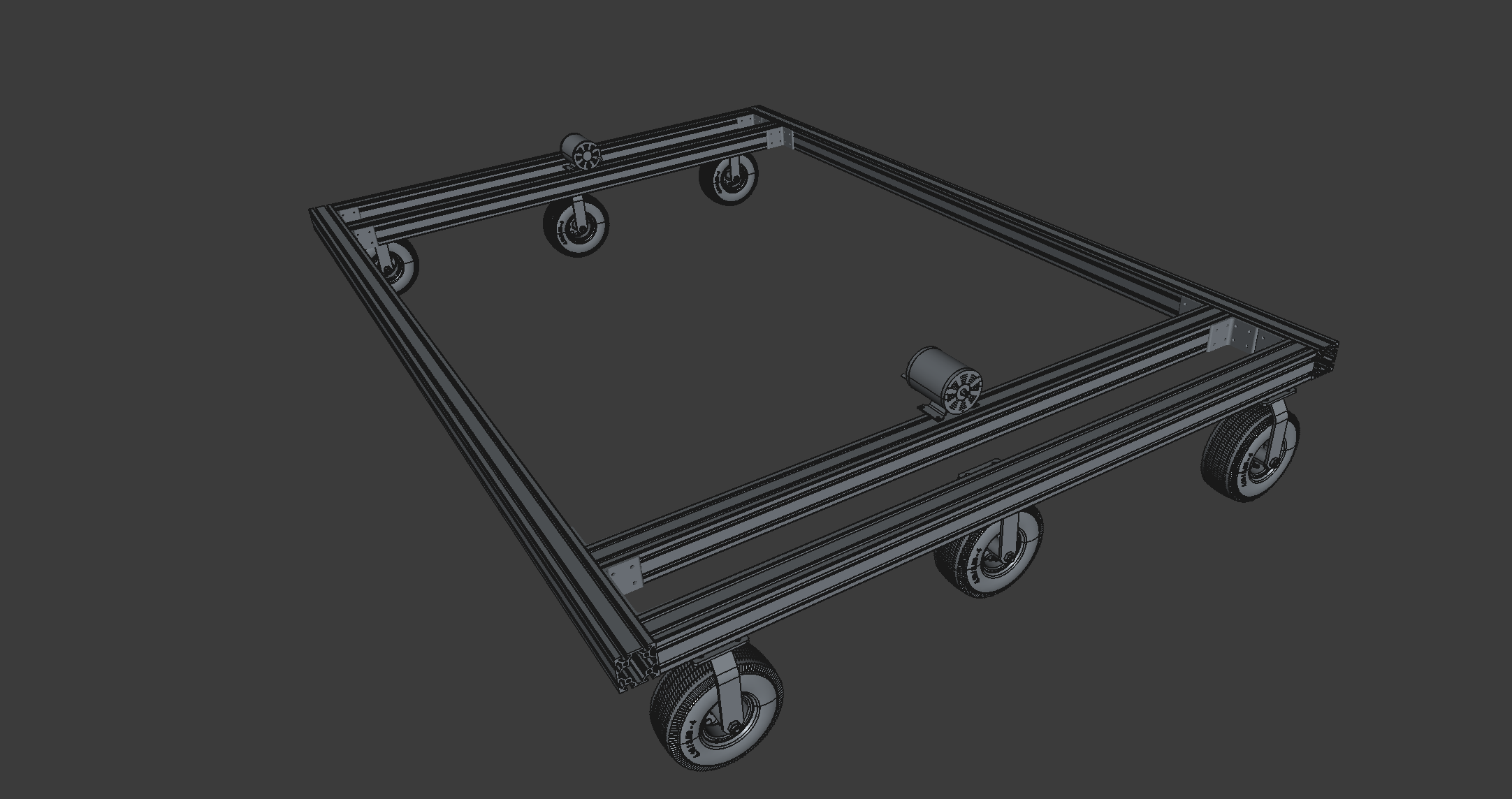
Long Boi
