All The Bitmaps You Can Handle!
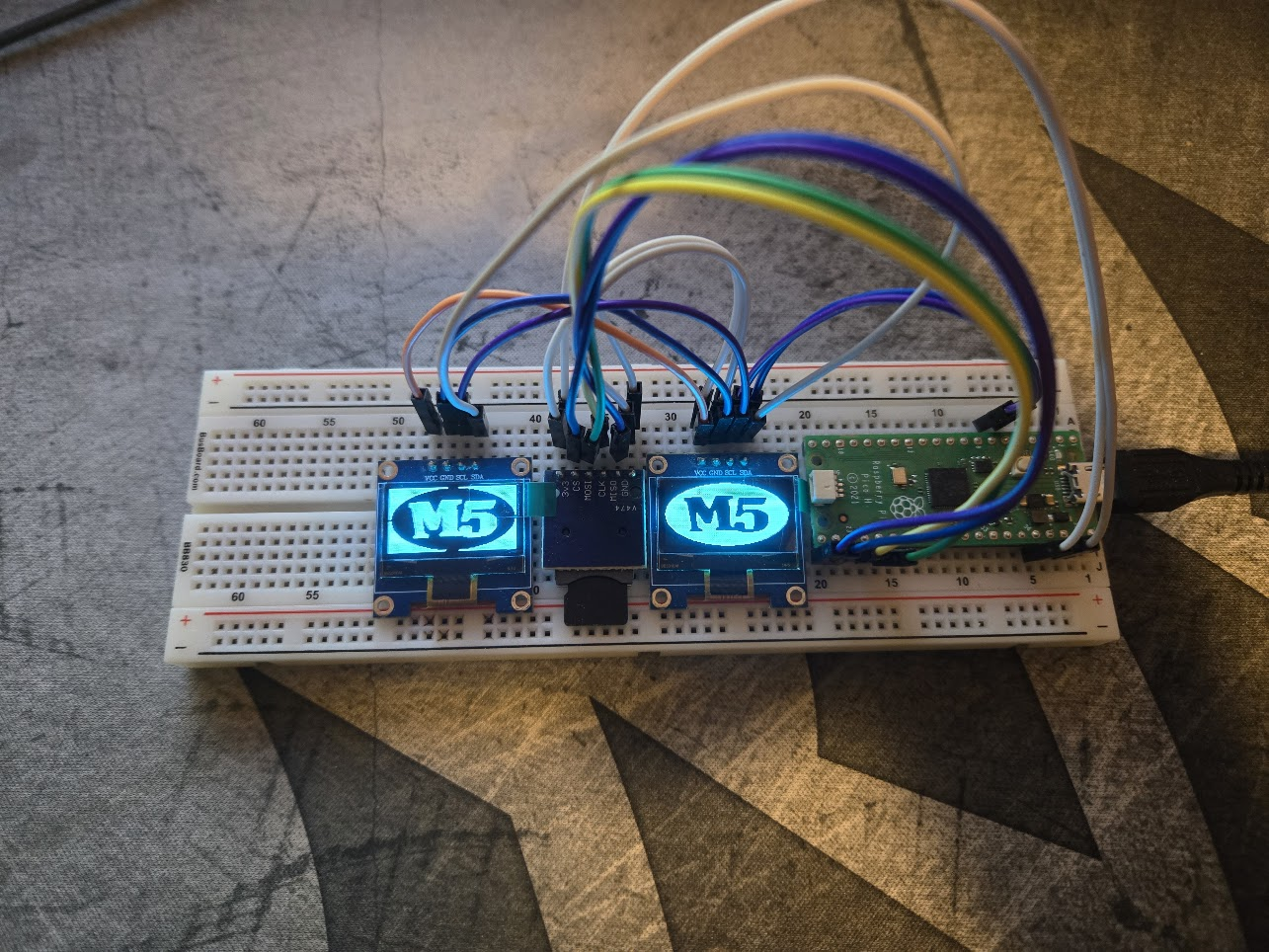
Recently I was struck by inspiration to play around with some small OLED boards I had lying around from past courses I’ve taken. I wanted to use a microcontroller to get them to play little animations and see where it took me, but I realized that the bitmaps I wanted to display took up quite a bit of space in the program memory.
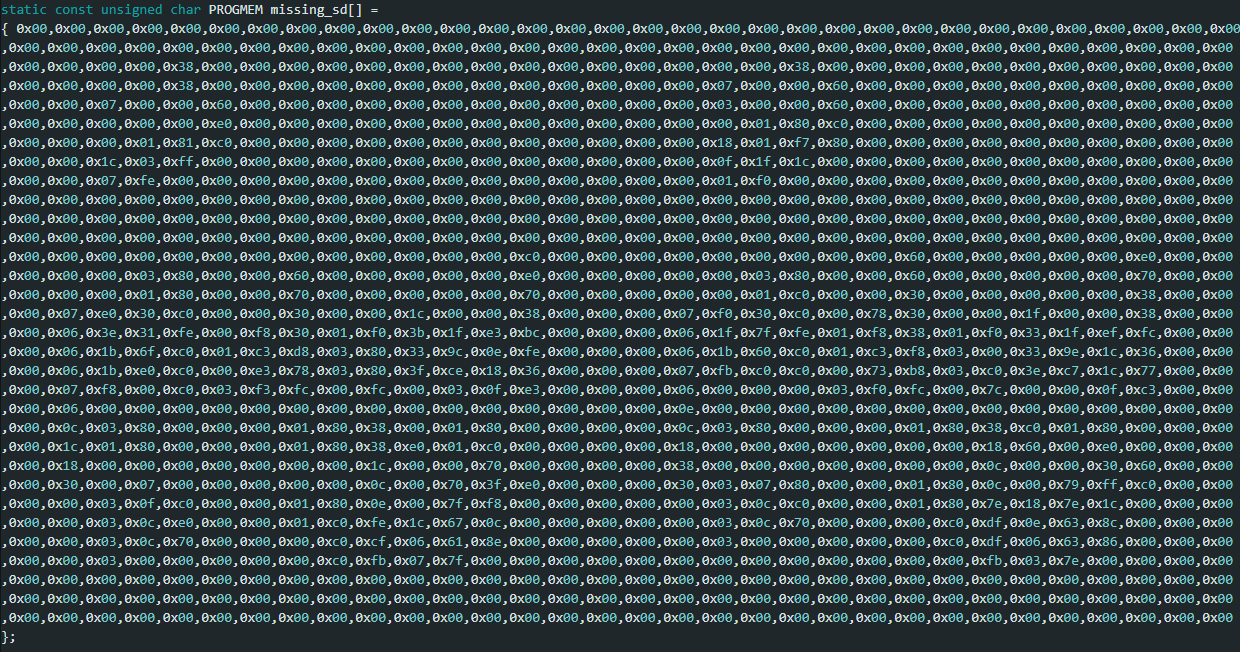
This is inefficient and takes up too much space, but still has its uses
This worked, but was not a great solution due to the amount of storage it took up, and needing to reflash the microcontroller every time an image had to be changed.
So…
I had the idea to use an SD card to hold individual images, which would then be read into memory and displayed. SD cards can function as simple SPI interfaces, meaning no special hardware is needed beyond a breakout board (and level shifters if your microcontroller does not use 3.3 V logic). This did add some level of complexity to the code, but it allowed me to have a much easier time adding new images.
These images are stored as binary files, in a raw bitmap format where a 1 is an “on” pixel, and a 0 is an “off” pixel. The pixel map (bitmap) is then directly stored as hexadecimal values in a .bin file, the simplest way to store raw binary data. In order to get these images into the correct format, a simple script is used to resize the image to the correct resolution, convert it to grayscale, and then determine if a pixel is on or off based on a given threshold (typically 50% brightness). The resulting bitmap is then stored as a binary file ready to be interpreted by the microcontroller using the same OLED library as before.

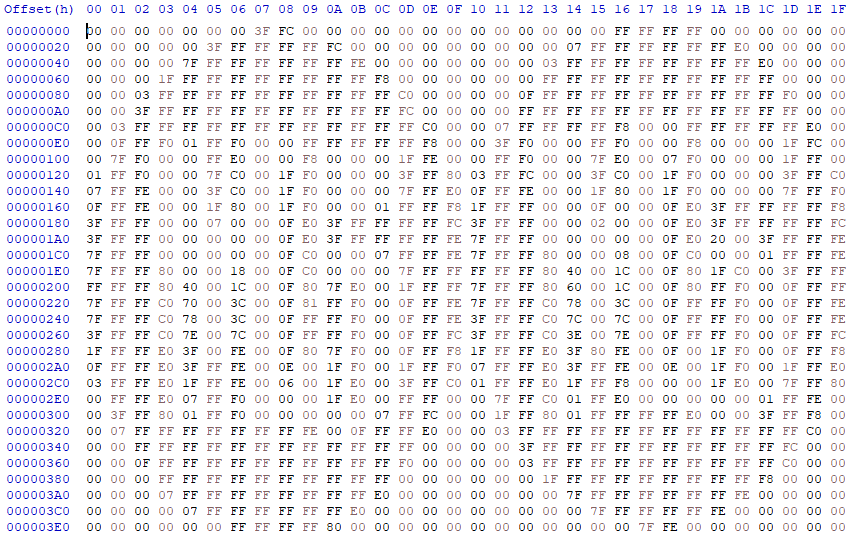
While this data is exactly as messy as the hard-coded version, it does take the load off of the microcontroller to store it. This means changing the image is as simple as putting the SD card into a computer and replacing the file with a new one, rather than having to recompile the code. However, one drawback of this system is that it relies on a much slower SD card interface to load the data rather than internal flash storage. I chose to mitigate this by implementing a simple caching system to store the most recently loaded images.
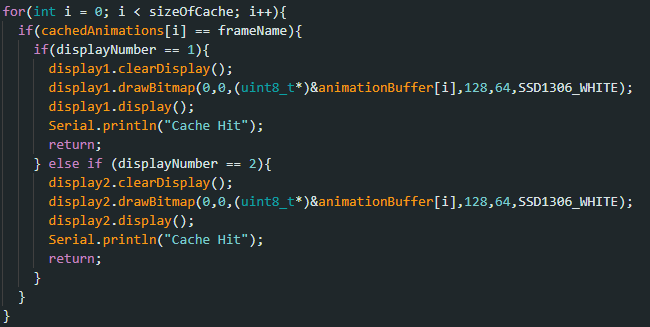
This code is configured to display to two separate displays. It goes through a string array holding the names of each cached image, and if it has a hit, it loads it from memory.
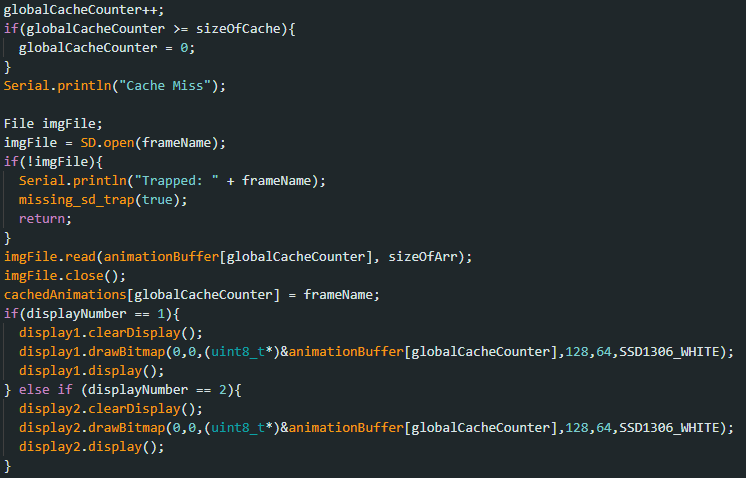
If the cache misses, it loads the desired image from the SD card, and overwrites the oldest stored image. It also contains a function to catch errors if the SD card fails to read, preventing the system from crashing. This is why it’s still useful to be able to store one image onboard, to display a warning message if the SD card is nonfunctional.
This system makes it very easy for a small microcontroller to store as many different images as you want, far more than would be able to be stored on the flash itself. It even allows animations to be played, as the reads are fast enough for a standard 24 fps cycle with no issues! An interesting next direction could be to convert each frame of a short video to these BIN files and play them on the microcontroller, but for now it functions well for simple frame-by-frame animation no problem.