
Deploying the RFID server
Recently in M5, a lot of receipt paper has been seen sprawling all over the staff desk. That is because M5 RFID is in full swing!! If you’re around M5, make sure you stop by to get you free M5 points. Today I’ll talk about the very interesting process that was deploying our code to the Raspberry Pi that runs the RFID server.

The M5 RFID shenanigans
Initially, I was attempting to deploy my programs on a Raspberry Pi SBC running Debian 13, which is the latest version that the Raspberry Pi Foundation supports. However, this proved to be a challenge, because the WiFi drivers weren’t properly setup. For some reason on my Raspberry Pi, the Wifi Drivers would intermittently brown out. This wasn’t an issue with the power supply or the power saving features of the board, the firmware for the broadcom wifi chip would just crash and fail. Looking around online, there seems to be no proper explanation as to why this behavior occurs.
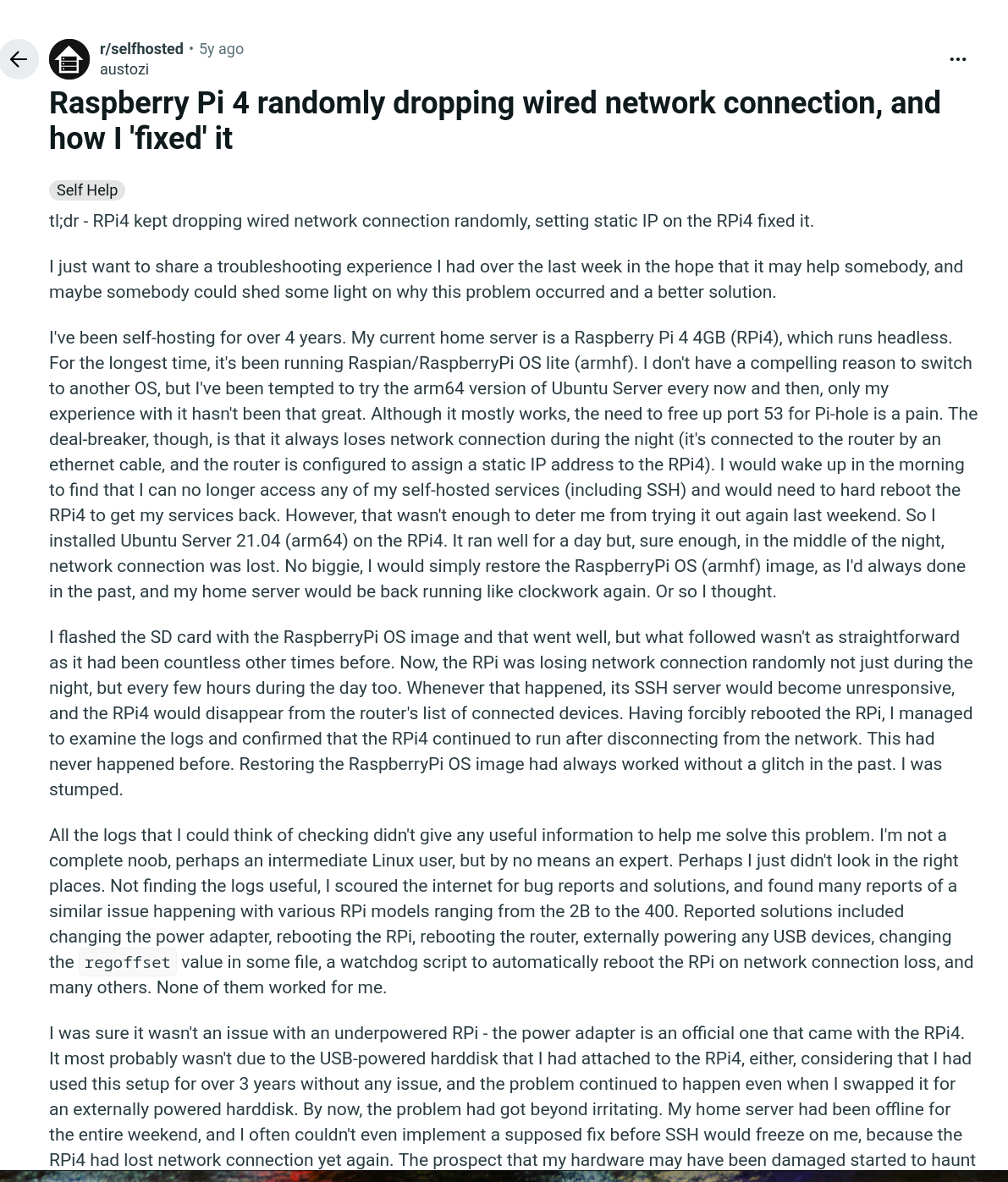
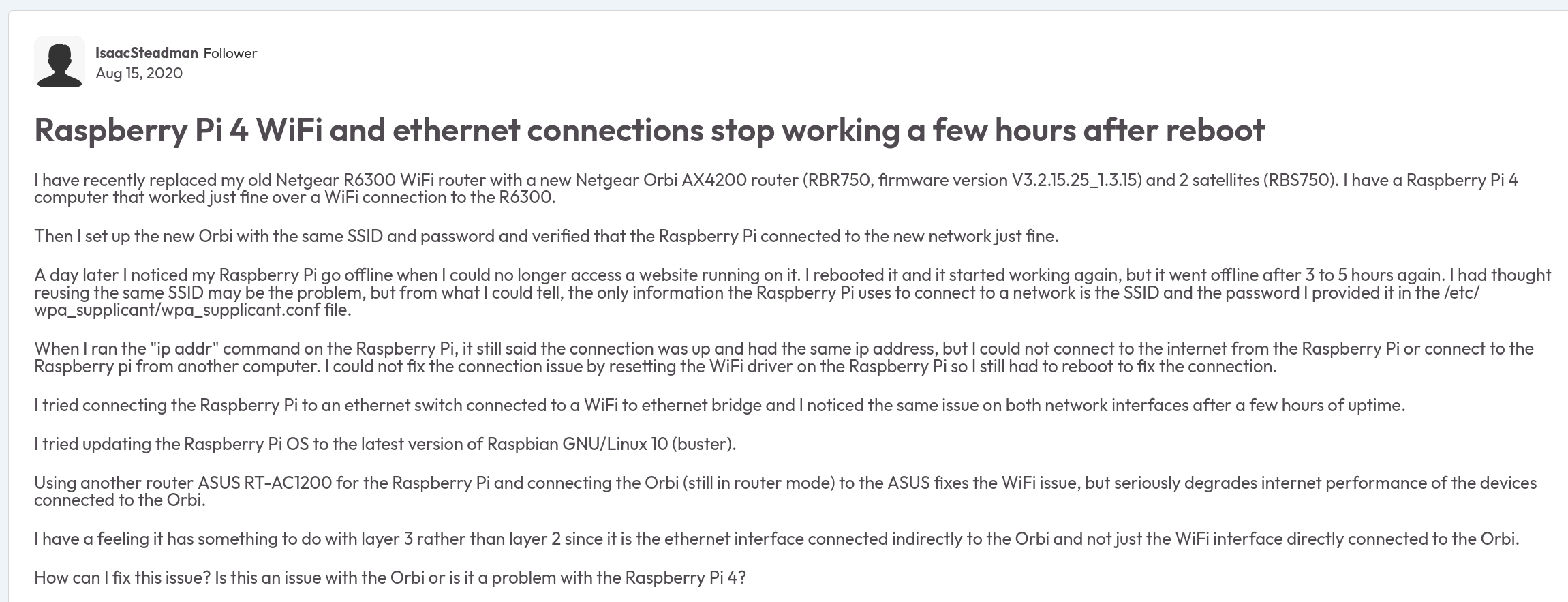
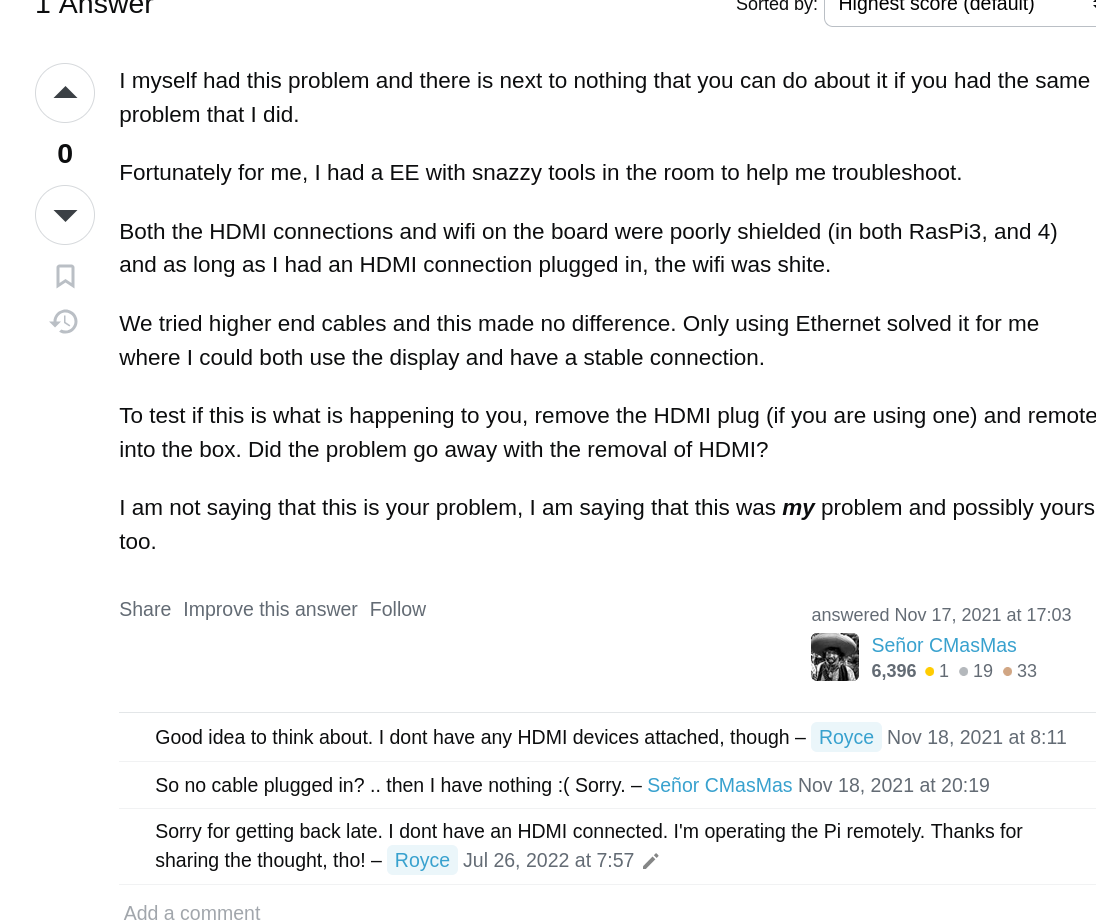
In an attempt to solve this problem, I rolled back Debian, which also made it easier to install docker. This solution worked for a while, before failing again.
Unfortunately, no matter how hard I looked online I wasn’t able to find a good solution to this problem. I eventually found a USB wifi chip which handled the wifi externally, and this solution worked well since the wifi chip itself was what would keep failing. I recommend grabbing an off the shelf wifi dongle for Raspberry Pi’s if you’re facing issues with
Niranjan Mathirajan
Electrical Engineering 2027
6 April 2026